Discover expert articles on AI, SaaS, software, marketing, SEO, affiliate marketing and startup growth.
Discover expert articles on AI, SaaS, software, marketing, SEO, affiliate marketing and startup growth.
By LoyAnn Sherwood
Published on Apr 17, 2026
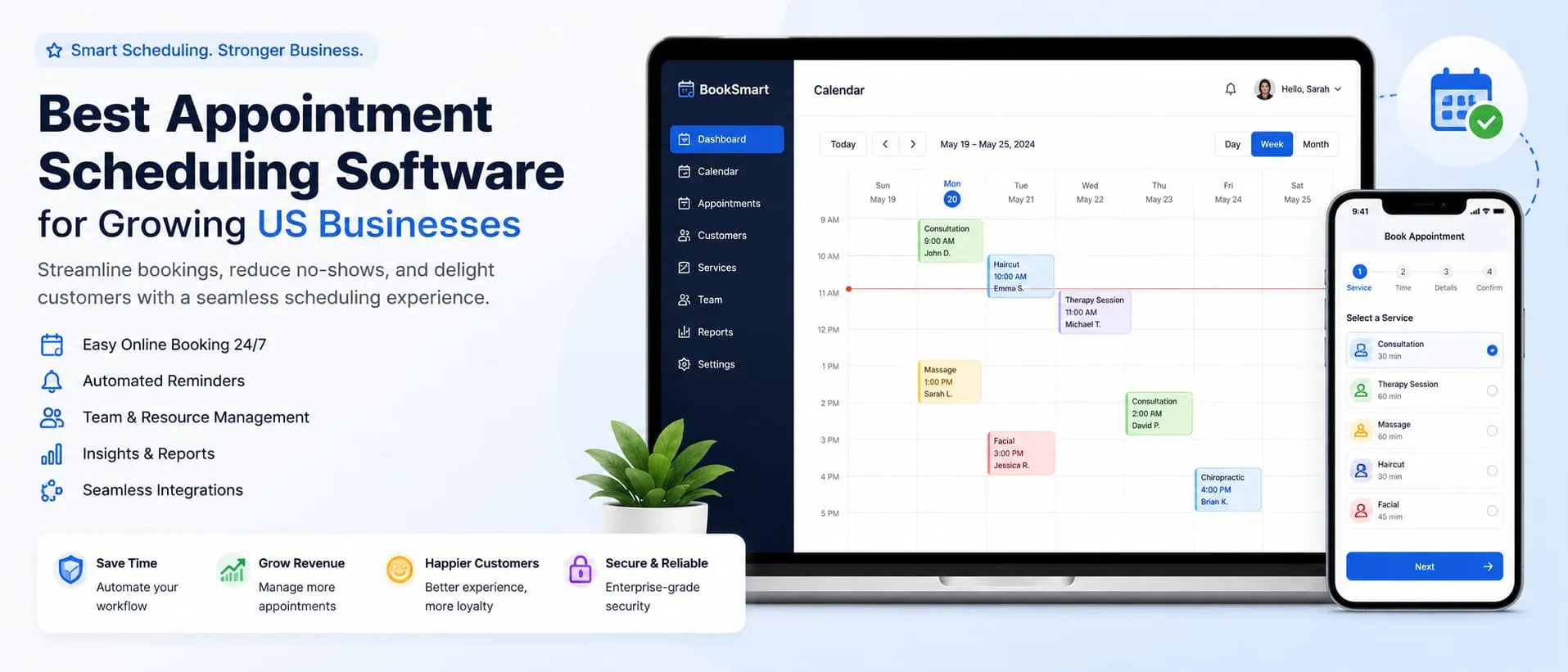
When you’re looking to get things done and also have a bit of fun on your phone, the app store can feel like a bit of a maze. Luckily, there are some stand-out apps that manage to tick both boxes – boosting your productivity and offering some solid entertainment options, often in ways you might not expect. It really comes down to finding tools that fit your workflow and then knowing where to find your downtime.
Let’s face it, our phones are extensions of ourselves these days. They hold our schedules, our notes, our communication lines. Productivity apps aren’t about forcing you into a rigid system; they’re about giving you the flexibility to manage your life efficiently, wherever you are. The best ones are intuitive, sync seamlessly, and actually make tasks feel less like a chore.
Nobody enjoys feeling overwhelmed. These apps are designed to break down your to-do list into manageable chunks, often with smart features that help you prioritize and stay on track without feeling nagged.
Todoist has been around for a while, and for good reason. It strikes a fantastic balance between being incredibly powerful and ridiculously easy to use. You can add tasks with natural language – just type “Schedule meeting with marketing team tomorrow at 3 pm” and it automatically sets the date and time.
TickTick is another strong contender that offers a lot of functionality without feeling cluttered. It’s particularly good for those who like a bit more structure.
A good note-taking app is more than just a digital notepad. It’s a place where ideas can germinate, information can be stored, and research can be compiled. The key is an app that makes it easy to find what you’re looking for, even months or years later.
Notion is less of a note-taking app and more of a flexible workspace that can be molded into whatever you need. It’s powerful, and there’s a learning curve, but the payoff in terms of organization is immense.
Evervever has been a staple for a long time, and it’s still a solid choice for many. Its strength lies in its robust search capabilities and ease of capturing information.
In a world of constant pings and notifications, finding your focus is a superpower. These apps help you reclaim your attention and get into a state of productive flow.
This app is a delightful approach to staying focused. You plant a virtual tree when you want to concentrate. If you leave the app before your designated focus time is up, your tree dies.
If you find yourself easily sidetracked by social media or time-wasting websites, Freedom is your ultimate solution. It allows you to schedule sessions where specific apps and websites are blocked across all your devices.
Mobile applications have transformed the way we interact with technology, offering a plethora of opportunities for both users and developers. For those interested in exploring how to monetize mobile apps effectively, a related article can be found at Appluxe: Make Money Online. This resource delves into various strategies and tips for generating revenue through mobile applications, making it a valuable read for aspiring app creators and entrepreneurs alike.
Get first access to exclusive software reviews, hand-picked SaaS lifetime deals, and digital growth strategies delivered straight to your inbox. No spam, ever—just pure software value to scale your business.
60 subscribers have joined!
If you love lifetime SaaS deals as much as I do, then please subscribe to our monthly/weekly AppLuxe newsletter.
Marcus Vance, SaaS Specialist
Productivity is essential, but so is downtime. Mobile entertainment has evolved far beyond basic games. It’s now about immersive experiences, creative outlets, and staying connected to the content you love.
While hyper-casual games have their place, there are plenty of mobile games that offer deeper gameplay, compelling stories, and strategic challenges that can keep you hooked without feeling like a time sink.
This isn’t just a game; it’s a lifestyle. Stardew Valley is a charming farming simulator where you inherit a rundown farm and can choose your own path.
If you enjoy strategic card games and a bit of a challenge, Slay the Spire is incredibly addictive. You ascend a spire, battling monsters and building a unique deck of cards with each playthrough.
Mobile applications have become an integral part of our daily lives, offering convenience and functionality at our fingertips. As developers continue to innovate, understanding the best practices for creating user-friendly interfaces is crucial. For those interested in exploring this topic further, you can read an insightful article on WordPress development that discusses how mobile app design can enhance user experience and engagement. This connection between mobile applications and web development highlights the importance of seamless integration across platforms.
Sometimes, the best entertainment doesn’t require active participation, but rather offers a rich narrative that you can get lost in.
For anyone who loves books but struggles to find the time to read, Audible is a game-changer. It’s an audiobook subscription service with a massive library of titles.
Podcasts have exploded in popularity, and for good reason. They offer everything from in-depth journalism and educational content to hilarious comedy and captivating true crime stories. Pocket Casts is one of the best apps for managing your podcast listening.
The digital age has democratized creativity. These apps allow you to express yourself, experiment with art, music, or writing, and share your creations with the world.
While primarily an iPad app, Procreate is the gold standard for digital art on a tablet. It’s incredibly powerful yet surprisingly accessible for beginners.
You don’t need a full studio to make music. GarageBand, available on iOS devices, lets you record instruments, create beats, and mix tracks with a surprising amount of depth.
The real trick to getting the most out of your mobile apps, whether for productivity or entertainment, is balance. It’s not about having the most apps, but about having the right apps that serve your needs, and knowing when to put the phone down. Experiment, see what clicks with your personal style, and you’ll find your digital world can be both incredibly useful and wonderfully enjoyable.
Mobile applications, also known as apps, are software programs designed to run on mobile devices such as smartphones and tablets. They can be downloaded and installed from app stores or other platforms.
There are various types of mobile applications, including native apps (specifically designed for a particular platform), web apps (accessed through a web browser), and hybrid apps (combining elements of both native and web apps).
Mobile applications offer users a wide range of benefits, including convenience, accessibility, and the ability to perform various tasks on the go. They also provide entertainment, productivity, and connectivity features.
Popular mobile application categories include social media, gaming, entertainment, productivity, education, health and fitness, finance, and travel. There are also specialized apps for specific industries and interests.
Mobile applications are developed using various programming languages and development tools, depending on the platform and type of app. Common languages include Java for Android apps, Swift for iOS apps, and HTML, CSS, and JavaScript for web and hybrid apps.


LoyAnn Sherwood is the CEO and Founder of AppLuxe. She spent approximately 25 years in the healthcare industry before transitioning to digital entrepreneurship. Sherwood founded AppLuxe in 2026 after acquiring the domain and identifying an opportunity to build a luxury-positioned app and software marketplace. She manages the platform's editorial direction and business development strategy.
Get first access to exclusive software reviews, hand-picked SaaS lifetime deals, and digital growth strategies delivered straight to your inbox. No spam, ever—just pure software value to scale your business.
60 subscribers have joined!
If you love lifetime SaaS deals as much as I do, then please subscribe to our monthly/weekly AppLuxe newsletter.
Marcus Vance, SaaS Specialist