Discover expert articles on AI, SaaS, software, marketing, SEO, affiliate marketing and startup growth.
Discover expert articles on AI, SaaS, software, marketing, SEO, affiliate marketing and startup growth.
By LoyAnn Sherwood
Published on Apr 14, 2026

Finding the right apps can feel like searching for a needle in a digital haystack, but it doesn’t have to be a frustrating experience. The “best” apps are really the ones that fit your specific needs, preferences, and even your device’s capabilities. There’s no one-size-fits-all answer, so this guide will help you navigate the app marketplaces effectively to discover those perfect digital tools.
Before you even open an app store, take a moment to think about what you’re trying to achieve or solve. Are you looking to improve your productivity, entertain yourself, learn a new skill, manage your finances, or something else entirely? A clear idea of your goals will narrow down your search considerably.
Many apps are designed to tackle specific problems. Want to remember everything? Note-taking apps. Need help with daily tasks? To-do list apps. Looking to connect with friends? Social media apps. Pinpointing the core problem helps you focus your search.
Consider what’s most important to you in an app. Is it ease of use, a beautiful interface, robust features, strong privacy controls, or perhaps a one-time purchase over a subscription? These priorities will heavily influence your selection.
Are you an iPhone user, an Android enthusiast, or do you dabble in both? Some apps are exclusive to one platform, and features can vary significantly between versions. Also, consider how an app integrates with your wider digital ecosystem (e.g., Google services, Apple services, specific smart home devices).
If you’re interested in exploring the latest trends and developments in the app marketplace, you might find this insightful article on technology trends particularly useful. It delves into the evolving landscape of app marketplaces and how they are shaping the future of mobile applications. You can read more about it here: App Marketplace Insights.
The primary battlegrounds for apps are the Apple App Store and the Google Play Store. While functionally similar, they have distinct characteristics.
Generally perceived as having a stricter curation process, which can lead to a slightly higher average app quality and consistency in user interface guidelines.
The App Store organizes apps into broad categories like “Games,” “Productivity,” “Lifestyle,” “Entertainment,” and more specific subcategories. Browsing these can be a good starting point if you have a general idea of the app’s function.
Apple often highlights apps through “Editors’ Choice” selections and various featured lists. These can be excellent starting points, as they’ve typically been vetted for quality and innovation.
While popular apps aren’t always the best for you, the Top Charts offer insight into what’s currently trending. Be cautious here, as many free apps in the top charts rely heavily on in-app purchases or ads.
Known for its open nature, offering a vast array of apps, though variety can sometimes come at the cost of consistency compared to iOS.
Similar to Apple, Google curates collections and highlights “Editor’s Choice” apps. These are usually high-quality applications that perform well on Android devices.
The categorization is extensive, allowing you to drill down into specific niches. The Top Charts are also present, reflecting popular downloads, but again, exercise caution with free apps.
Google Play sometimes offers “Early Access” to new apps or “Beta Programs” for existing ones, allowing you to try out features before general release. This can be a way to discover innovative apps, but be aware they might be less stable.
While the vast majority of users stick to Apple and Google’s official stores, there are other avenues for discovering and installing apps, particularly on Android.
For Android users, stores like Amazon Appstore, F-Droid (for open-source apps), or even manufacturer-specific stores (e.g., Samsung Galaxy Store) offer alternatives. Be mindful of security when downloading from less reputable sources.
If you value privacy, transparency, and open-source software, F-Droid is an excellent resource. It hosts a curated collection of FOSS (Free and Open Source Software) apps for Android.
Some device manufacturers include their own app stores, which might offer exclusive apps, system updates, or discounts.
Directly downloading an APK (Android Package Kit) file allows you to install apps without using a store. This is common for apps not available in your region, beta versions, or for users who “sideload” apps. Exercise extreme caution as this bypasses security checks and can expose your device to malware. Always download from trusted developer websites or reputable APK repositories.
Sure, here is the sentence with the clickable link:
I would like to Submit Guest Post on your website.
Once you’ve found a potential candidate, a quick review of its app store listing can tell you a lot.
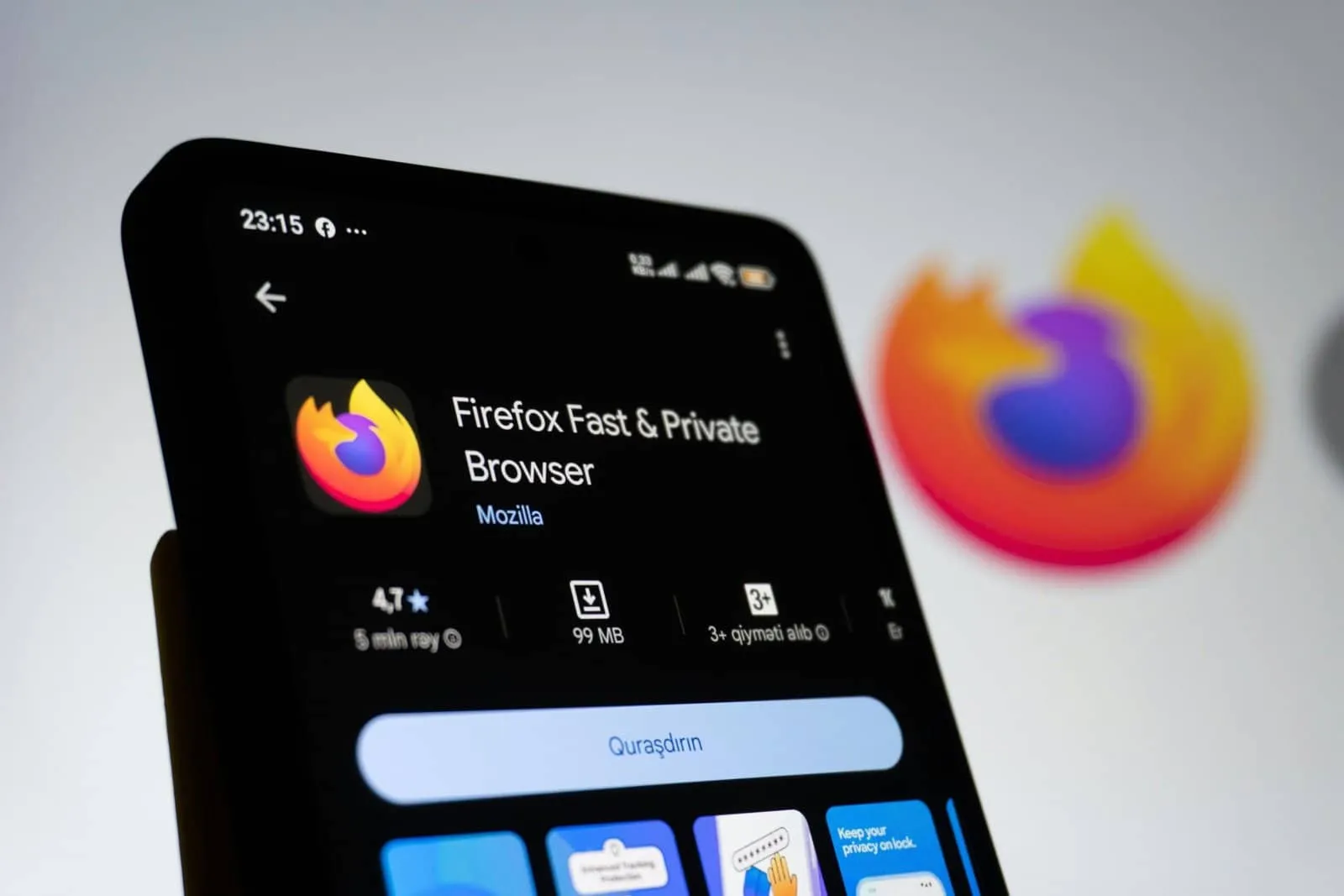
Good quality screenshots and a well-produced video give you a visual tour of the app’s interface and core functions. If the screenshots look outdated or low-res, it might indicate a lack of developer attention.
The app description should clearly articulate what the app does, its main features, and any unique selling points. Look for concrete examples and avoid apps with vague or overly hyped descriptions.
This is often where you’ll find the most honest feedback. Pay attention to:
A high average rating (e.g., 4.5 stars and above) is a good sign, but always check the number of ratings – a high rating with few reviews is less reliable.
Apps can change, so prioritize recent reviews. They reflect the current state of the app more accurately.
Look for patterns. If multiple users complain about bugs, crashes, or poor customer support, those are red flags. Conversely, consistent praise for specific features or stability is a positive indicator.
A responsive developer who addresses feedback, fixes bugs, and engages with users in the review section often indicates good support and ongoing commitment.
This is crucial. What data does the app collect? How is it used? Does it require excessive permissions (e.g., a simple game asking for access to your contacts and microphone)? Take the time to review the privacy policy, even if it’s just a quick scan for key points.
Be aware of an app’s monetization model. Free apps often rely on ads or in-app purchases. Subscriptions can provide better ongoing features and support, but ensure the value justifies the recurring cost. Check if there’s a free trial period.
An app that hasn’t been updated in months or years might be abandoned, incompatible with newer operating system versions, or lack security patches. Regular updates usually indicate active development and support.
While not as critical with modern devices, a very large app size might be a concern if you have limited storage or a slow internet connection.
The app marketplace has become a vital platform for developers and businesses to showcase their innovative solutions, making it essential to understand how to effectively promote these applications. For those interested in enhancing their visibility in this competitive space, a related article offers valuable insights into the process of submitting guest posts that can significantly boost your app’s reach. You can explore more about this strategy in the article found here. By leveraging guest posts, developers can tap into new audiences and drive more downloads, ultimately leading to greater success in the app marketplace.
Downloading an app is just the first step. The real evaluation happens when you start using it.
Don’t delete an app after five minutes if you’re not instantly impressed. Some apps have a learning curve. Invest a bit of time to explore its features and customize settings.
It’s rare that only one app exists for a specific purpose. If your first choice doesn’t quite hit the mark, don’t hesitate to download a few alternatives and compare them side-by-side.
Make a mental checklist (or even a physical one) of the features you need. Does App A have everything, or does App B offer a better implementation of a crucial feature?
How does the app feel? Is it intuitive? Does it flow naturally? Does it cause frustration? UX is highly personal, so this is where your individual preferences really come into play.
Some apps are resource hogs. Keep an eye on how an app impacts your device’s performance, battery life, and data usage. Modern operating systems often provide tools to monitor this (e.g., Battery Usage in Settings).
Periodically go through your installed apps. If you haven’t used an app in months, or it no longer serves a purpose, uninstall it. This declutters your device, potentially frees up storage, and can improve overall performance.
Beyond just browsing categories, there are techniques to unearth hidden gems.
Websites like The Verge, TechCrunch, Android Authority, MacStories, and specialized app review sites (e.g., AppAdvice, Lifehacker’s app columns) frequently cover new and noteworthy apps. They often provide deeper dives and context than a simple app store listing.
Both Apple and Google use algorithms to suggest apps based on your download history and usage. While sometimes hit-or-miss, these can occasionally surprise you with relevant suggestions.
Ask friends, family, or colleagues what apps they use for specific tasks. A personal recommendation from someone you trust can be very valuable.
Niche communities on platforms like Reddit (e.g., r/androidapps, r/iosapps, r/productivity) are great for discovering highly specific apps and getting honest user opinions.
App developers sometimes collaborate to offer bundles at a reduced price, or individual apps go on sale. Keeping an eye on these promotions can save you money, especially for paid apps.
If you love a particular app but want alternatives, use search terms like “apps like Evernote” or “alternatives to Spotify.” This can lead you to similar experiences.
By approaching app discovery with a clear strategy and a critical eye, you’ll move beyond endless scrolling and find the apps that genuinely enhance your digital life. Remember, the app marketplace is dynamic; what’s best today might be superseded tomorrow. Staying curious and regularly re-evaluating your app toolkit will keep your devices fresh and functional.
Get first access to exclusive software reviews, hand-picked SaaS lifetime deals, and digital growth strategies delivered straight to your inbox. No spam, ever—just pure software value to scale your business.
60 subscribers have joined!
If you love lifetime SaaS deals as much as I do, then please subscribe to our monthly/weekly AppLuxe newsletter.
Marcus Vance, SaaS Specialist
An app marketplace is a platform where users can browse, purchase, and download various applications for their devices, such as smartphones, tablets, and computers.
App marketplaces work by allowing developers to submit their applications for review and approval. Once approved, the apps are made available for users to browse, purchase, and download.
Using an app marketplace provides users with a centralized location to discover and download a wide variety of applications. It also offers developers a platform to showcase and distribute their apps to a large audience.
App marketplaces typically have security measures in place to protect users from malicious software. However, it is still important for users to exercise caution and only download apps from reputable sources.
Yes, many app marketplaces allow developers to submit and sell their own applications. However, there may be certain guidelines and requirements that developers must adhere to in order to have their apps approved for distribution.


LoyAnn Sherwood is the CEO and Founder of AppLuxe. She spent approximately 25 years in the healthcare industry before transitioning to digital entrepreneurship. Sherwood founded AppLuxe in 2026 after acquiring the domain and identifying an opportunity to build a luxury-positioned app and software marketplace. She manages the platform's editorial direction and business development strategy.
Get first access to exclusive software reviews, hand-picked SaaS lifetime deals, and digital growth strategies delivered straight to your inbox. No spam, ever—just pure software value to scale your business.
60 subscribers have joined!
If you love lifetime SaaS deals as much as I do, then please subscribe to our monthly/weekly AppLuxe newsletter.
Marcus Vance, SaaS Specialist