Discover expert articles on AI, SaaS, software, marketing, SEO, affiliate marketing and startup growth.
Discover expert articles on AI, SaaS, software, marketing, SEO, affiliate marketing and startup growth.
By LoyAnn Sherwood
Published on May 26, 2026
So, you want to find your way around the app marketplaces, huh? It can feel like a bit of a jungle sometimes, with thousands of apps jostling for attention. The good news is, it doesn’t have to be overwhelming. This guide is here to help you cut through the noise and find exactly what you’re looking for, whether you’re just dipping your toes in or you’re a seasoned app hunter. We’ll cover how to find apps, what to look out for, and how to make sure you’re getting the best experience possible.
Think of the app stores – like the Apple App Store and Google Play Store – as massive digital libraries. They’re designed to hold pretty much every app imaginable, for work, play, learning, and everything in between. But with so much available, knowing where to start is key.
This is your most direct tool. If you know what you’re looking for, type it in. Be specific. Instead of “games,” try “puzzle games for adults” or “strategy games with multiplayer.”
Sometimes, a broad search will bring up too many results. Try adding more descriptive words to narrow it down. Think about the core function or subject matter.
If you’re not sure what you want, exploring categories is a great way to stumble upon something new. App stores usually have a “Categories” or “Explore” section that breaks things down into broad areas like “Productivity,” “Entertainment,” “Health & Fitness,” and “Social Networking.”
Within these main categories, you’ll often find more specific sub-categories. For example, in “Games,” you might find “Action,” “Adventure,” “Role Playing,” or “Simulation.” This helps you home in on a particular type of app more effectively.
If you’re interested in exploring the dynamics of app marketplaces further, you might find this related article insightful: Understanding the App Marketplace Ecosystem. This piece delves into the various factors that influence app visibility and success, providing valuable tips for developers looking to enhance their presence in a competitive environment.
Just because an app is available doesn’t mean it’s right for you, or even good. There are several things you should always check before hitting that “Download” button.
This is probably the most important indicator of an app’s quality and reliability. Don’t just glance at the star rating; read the reviews.
Pay attention to recurring themes in reviews. Are people consistently praising a specific feature? Are multiple users complaining about the same bug or poor customer service? Look for genuine feedback, not just generic praise or overly harsh criticism.
Newer reviews tend to be more relevant, especially for apps that are regularly updated. An app might have been great a couple of years ago, but if the recent reviews are bad, something might have changed.
The description and any screenshots or videos are the app developer’s way of selling their product. Read these carefully.
Does the app promise to do something you actually need it to do? Does it sound like it will solve a problem or provide the entertainment you’re looking for? Be wary of vague or overly hyped descriptions.
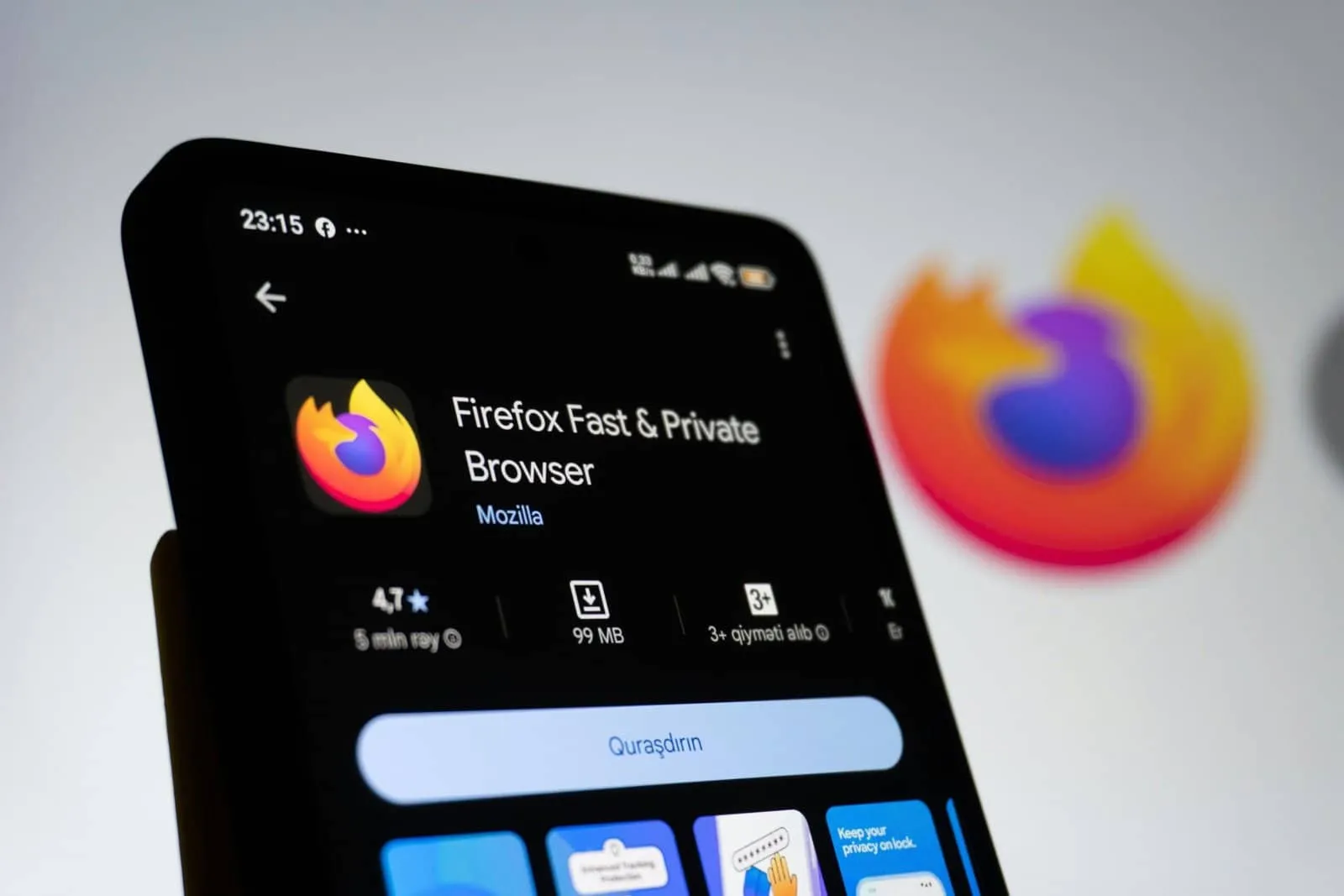
Screenshots and videos can give you a good sense of the app’s user interface (UI) and user experience (UX). Does it look clean and intuitive, or cluttered and confusing? Does the gameplay or functionality shown in the preview footage appeal to you? The Apple Developer Update from March 2026 highlights how regulated medical device status is now displayed for apps, adding a layer of transparency that’s important to check for health-related apps.
Most app stores provide information about the developer. This can give you a sense of legitimacy.
If the developer has a history of creating good quality apps, that’s a positive sign. If it’s a company you’ve heard of or trust, all the better. Conversely, a brand new, unknown developer might require a bit more scrutiny, especially for apps that handle sensitive information.
Check when the app was last updated. A frequently updated app generally means the developer is actively maintaining it, fixing bugs, and potentially adding new features.
If an app hasn’t been updated in a year or more, it might be abandoned or have unaddressed issues. For critical apps or those you rely on heavily, this can be a cause for concern.
This is a crucial step that many people overlook. When you download an app, it will often ask for permission to access certain parts of your device, like your contacts, location, camera, or microphone.
Some permissions are essential for an app to function. For example, a mapping app needs your location, and a camera app needs access to your camera.
Be suspicious if an app asks for permissions that don’t seem necessary for its core function. For instance, why would a simple calculator app need access to your contacts?
Both iOS and Android allow you to manage app permissions after installation. You can usually go into your device’s settings and review which apps have access to what.
It’s a good practice to periodically review your app permissions, especially if you’ve downloaded new apps or your device has had a recent software update.
Sure, here is the sentence with the clickable link: Please proceed to the Guest Post Payment page to complete your transaction.
Many apps, especially games and productivity tools, offer in-app purchases or require subscriptions. Understanding these is vital to avoid unexpected charges.
Some apps are free to download and use entirely, while others have an upfront cost. Make sure you know which you’re choosing.
Many apps are “free to download” but then encourage you to spend money within the app. This can be for unlocking new levels, buying virtual currency, or removing ads.
Subscription models mean you pay a recurring fee (monthly or annually) for continued access to an app’s features or content.
Make sure you understand what you’re getting with the subscription. Is it a significant upgrade from the free version? Are the features worth the recurring cost?
Familiarize yourself with how to cancel subscriptions on your device’s app store. This is often done through your account settings. Missing this can lead to unwanted recurring charges. As highlighted in the “Build a Marketplace App Guide (October 27, 2025),” features like registration, search, and filtering by price are key for buyers, so understanding purchase models is part of that navigation.
In the ever-evolving landscape of mobile technology, understanding how to effectively navigate the app marketplace is crucial for developers and entrepreneurs alike. A recent article discusses the essential strategies for launching a successful app, offering insights that can significantly enhance visibility and user engagement. For those interested in exploring this topic further, you can read more about it in this informative piece on app development and marketing strategies. Check it out here: here.
Get first access to exclusive software reviews, hand-picked SaaS lifetime deals, and digital growth strategies delivered straight to your inbox. No spam, ever—just pure software value to scale your business.
60 subscribers have joined!
If you love lifetime SaaS deals as much as I do, then please subscribe to our monthly/weekly AppLuxe newsletter.
Marcus Vance, SaaS Specialist
| Metrics | Value |
|---|---|
| Number of apps | 10,000 |
| Number of downloads | 1 million |
| Number of active users | 500,000 |
| Number of developers | 2,000 |
In today’s digital world, security and privacy are paramount. When you use apps, especially those that handle personal data, you need to be mindful of how your information is being used.
Most apps have a privacy policy. While not always the most exciting read, it outlines how the developer collects, uses, and protects your data.
Does the policy clearly state what data is collected? Is it shared with third parties? How is it secured? If a policy is vague or missing, it’s a potential red flag.
For apps that handle sensitive information (like banking or health apps), encryption is crucial. This scrambles your data so it can’t be read by unauthorized parties. While you might not see this explicitly stated in the app store, it’s a feature good developers implement.
If an app requires payment, ensure it uses secure payment gateways. Look for things like HTTPS in the web address if you’re being directed to a payment page.
Unfortunately, the digital world has its share of scams. Some apps might be designed to steal your information or install malware.
Generally, sticking to the official app stores (Apple App Store and Google Play Store) is the safest bet, as they have some security checks in place.
If you’re considering an app from a less common source or a developer you don’t recognize, do some extra research. Look for reviews, check the developer’s website, and be extra cautious about the permissions it requests. The “Mobile App User Acquisition Strategy” from June 2025 mentions App Store Optimization tips, and while this is developer-focused, for users, it means highly optimized apps are generally more legitimate and well-supported.
Beyond individual apps, there’s a whole category of “marketplace” apps. These are platforms that connect buyers and sellers, offering a wide range of products and services. Think of everything from online shopping malls to ride-sharing services.
These apps often have a lot going on. Features like robust search, filtering options, and clear seller ratings are essential for a good user experience.
When browsing a marketplace app, look for good search bars and filter options. Can you filter by price, rating, delivery time, seller location, or product category? The “Build a Marketplace App Guide (October 27, 2025)” emphasizes these exact features for buyer navigation.
Just as you’d research an app developer, take a moment to look at individual sellers within a marketplace app. Do they have good ratings? Are there many reviews? This can help you make informed purchasing decisions.
Ride-sharing, food delivery, and freelance service apps all fall under this umbrella. Each has its own nuances.
For services, understand the cancellation policies, refund procedures, and any guarantees offered.
Before using any marketplace service, it’s wise to at least skim the user agreement. This outlines your rights and responsibilities as a user. The “Ultimate Guide to Marketplace App Development (2026)”‘s focus on UI/UX and features like search filters and checkout for users browsing multi-seller products directly impacts how you’ll interact with these platforms.
An app marketplace is a platform where users can browse, purchase, and download various applications for their devices, such as smartphones, tablets, and computers.
App marketplaces work by allowing developers to submit their applications for review and approval. Once approved, the apps are made available for users to browse, purchase, and download.
App marketplaces offer a wide range of applications, including games, productivity tools, social networking apps, entertainment apps, and more. There are also categories for specific types of apps, such as health and fitness, education, and finance.
App marketplaces strive to maintain a safe and secure environment for users by implementing strict guidelines for app submissions and conducting regular security checks. However, users should still exercise caution and only download apps from reputable developers.
Yes, many app marketplaces allow developers to submit and sell their own applications. Developers typically need to create an account, pay a fee, and adhere to the marketplace’s guidelines for app submissions.


LoyAnn Sherwood is the CEO and Founder of AppLuxe. She spent approximately 25 years in the healthcare industry before transitioning to digital entrepreneurship. Sherwood founded AppLuxe in 2026 after acquiring the domain and identifying an opportunity to build a luxury-positioned app and software marketplace. She manages the platform's editorial direction and business development strategy.
Get first access to exclusive software reviews, hand-picked SaaS lifetime deals, and digital growth strategies delivered straight to your inbox. No spam, ever—just pure software value to scale your business.
60 subscribers have joined!
If you love lifetime SaaS deals as much as I do, then please subscribe to our monthly/weekly AppLuxe newsletter.
Marcus Vance, SaaS Specialist