Discover expert articles on AI, SaaS, software, marketing, SEO, affiliate marketing and startup growth.
Discover expert articles on AI, SaaS, software, marketing, SEO, affiliate marketing and startup growth.
By LoyAnn Sherwood
Published on Apr 22, 2026
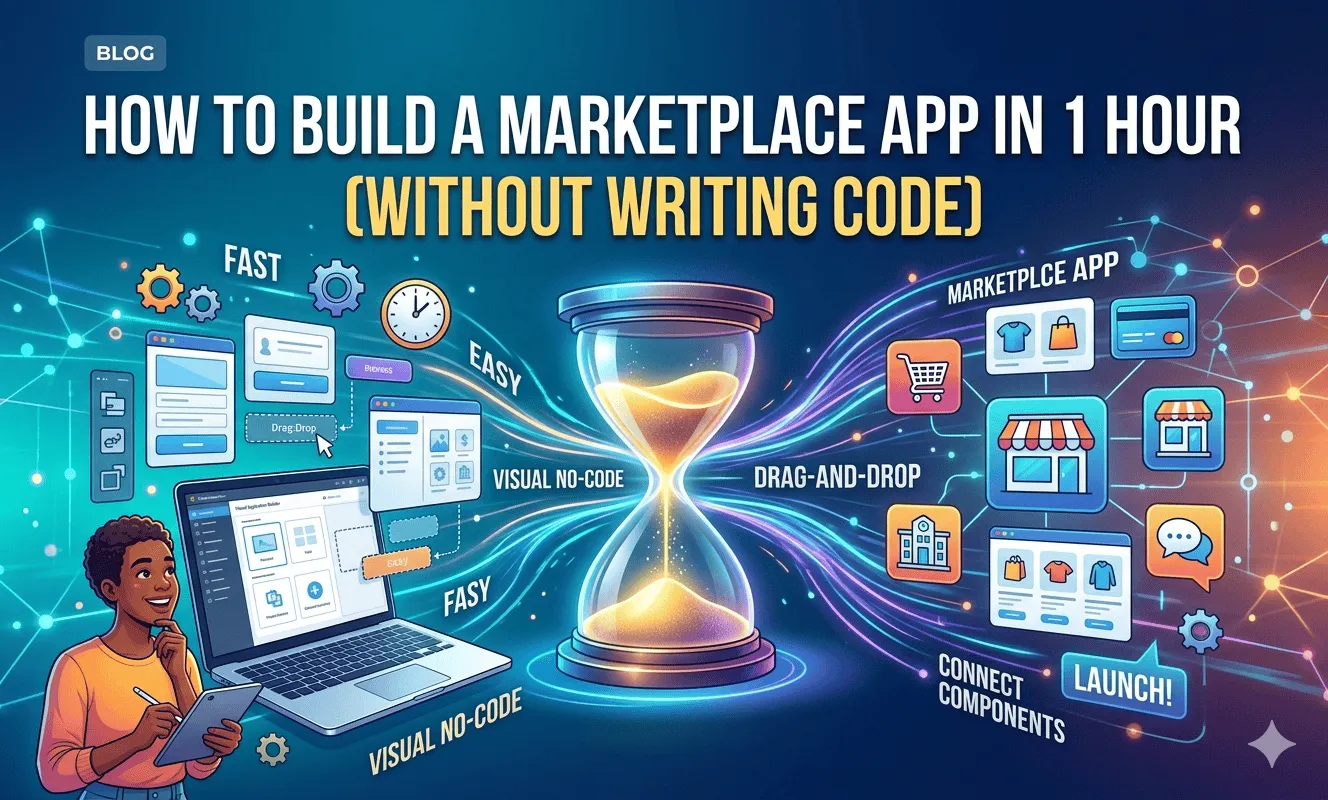
Building an app used to feel out of reach unless you had a technical background or a big budget. That’s changed. Today, anyone with a solid idea and the right tools can launch a working marketplace app in a single afternoon—or even within an hour if they stay focused.
This guide walks you through a practical, real-world process to build a marketplace app without writing a single line of code. It’s written in plain language, based on how people are actually launching apps right now—not theory, not fluff.
If your goal is to go from idea to live product fast, you’re in the right place.
A marketplace app connects two sides:
You don’t need inventory. You don’t need warehouses. You create the platform, manage the experience, and earn through transactions.
Examples:
The key is focus. The tighter your niche, the faster you can launch and grow.
Yes—with a realistic mindset.
In one hour, you can:
You are not building a perfect app. You’re building a first version that works.
That’s the difference.
If you’re looking for a clear, step-by-step guide, follow these seven simple steps:
Before touching any platform, slow down for a few minutes.
Most failed apps don’t fail because of tech—they fail because the idea wasn’t clear.
Instead of:
“Marketplace for services”
Go with:
“A marketplace connecting college students with local tutors in math and science”
Clarity wins.
Your MVP should only include:
Anything else can wait.
Now decide how users will access your app.
Start with a PWA or web app.
Why?
You can always convert to a native app later.
There are three main approaches:
No-code platforms let you build apps visually.
You:
Choosing the right tool saves you hours.
This is where everything comes together.
You’ll go from idea to working product faster than you expect.
Pick a marketplace or directory template.
This gives you:
You’re not starting from scratch.
Think of this as your app’s backbone.
Create collections like:
Users
Listings
Orders
Keep things simple and clean.
Essential screens:
Avoid overdesigning. Focus on usability.
Allow users to:
This enables:
This is your marketplace core.
Let users:
Make the process quick and easy.
Connect a payment provider like Stripe.
Set up:
Example:
User pays $100 → You take 10% → Seller gets $90
This allows communication between users.
Not required for launch—but useful later.
Get first access to exclusive software reviews, hand-picked SaaS lifetime deals, and digital growth strategies delivered straight to your inbox. No spam, ever—just pure software value to scale your business.
60 subscribers have joined!
If you love lifetime SaaS deals as much as I do, then please subscribe to our monthly/weekly AppLuxe newsletter.
Marcus Vance, SaaS Specialist
Never skip testing.
What looks good on your laptop may break on mobile.
Polish matters more than features at this stage.
You have two ways to launch:
Share your web app link.
You can:
If you want a full app experience:
Approval times vary but are usually quick.
This is where real growth happens.
Your first version is just the beginning.
Look at:
Improve Gradually
Add features like:
Users will tell you what they want.
Pay attention.
Build based on real needs—not guesses.
Here’s how to stay on track:
You now have a working marketplace.
Your app should generate revenue from day one.
Take a percentage of every transaction
Charge sellers to post items
Offer premium features
Charge for visibility
Combine multiple revenue streams
Start small. Expand later.
Simple apps win
Generic marketplaces struggle to gain traction.
Leads to poor first impressions.
Always know how you’ll make money.
Launch in hours instead of months
Avoid expensive development fees
Update anytime without developers
Anyone can build—no technical background needed
Test ideas quickly and pivot if needed
Focus on solving a real problem in a specific niche. Monetize through commissions or subscriptions, and scale by improving user experience and marketing.
No-code tools can cost as little as $20–$100 per month. Traditional development can range from $10,000 to over $100,000.
It can guide, plan, and help structure your app, but you still need a no-code platform to build and launch it.
A basic version can be created in 1–3 hours. A more polished version may take a few days.
Building a marketplace app is no longer a technical challenge—it’s a clarity challenge.
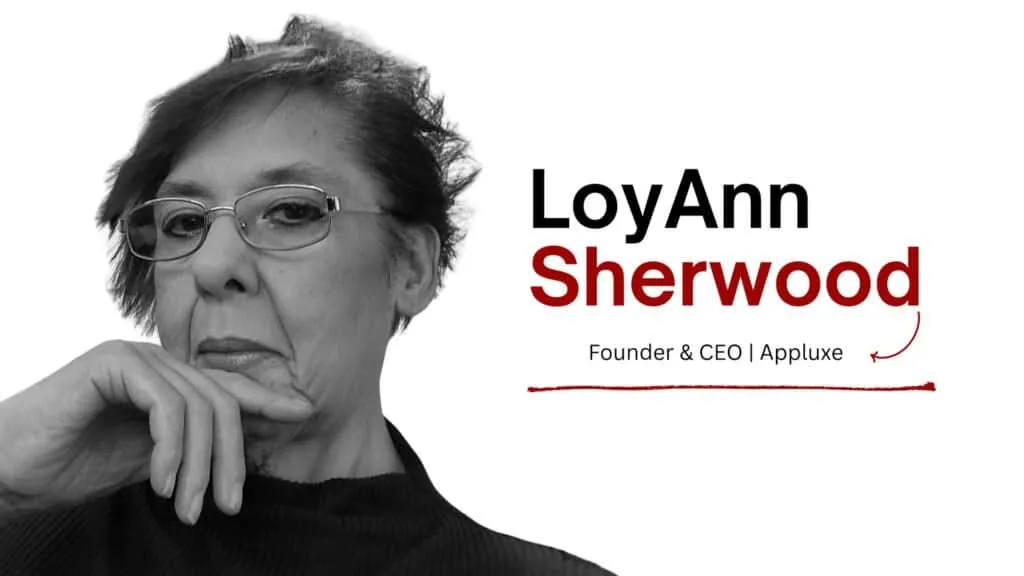

LoyAnn Sherwood is the CEO and Founder of AppLuxe. She spent approximately 25 years in the healthcare industry before transitioning to digital entrepreneurship. Sherwood founded AppLuxe in 2026 after acquiring the domain and identifying an opportunity to build a luxury-positioned app and software marketplace. She manages the platform's editorial direction and business development strategy.
Get first access to exclusive software reviews, hand-picked SaaS lifetime deals, and digital growth strategies delivered straight to your inbox. No spam, ever—just pure software value to scale your business.
60 subscribers have joined!
If you love lifetime SaaS deals as much as I do, then please subscribe to our monthly/weekly AppLuxe newsletter.
Marcus Vance, SaaS Specialist